
Let your country find you.
Optional background tracking uses significant location changes to record your country, without running continuous GPS. Open the app to see your latest recorded stay.
Energy-saving location updatesA LITTLE PERSPECTIVE ON YOUR TRAVELS
For the places you call home.
And the places you call a moment.
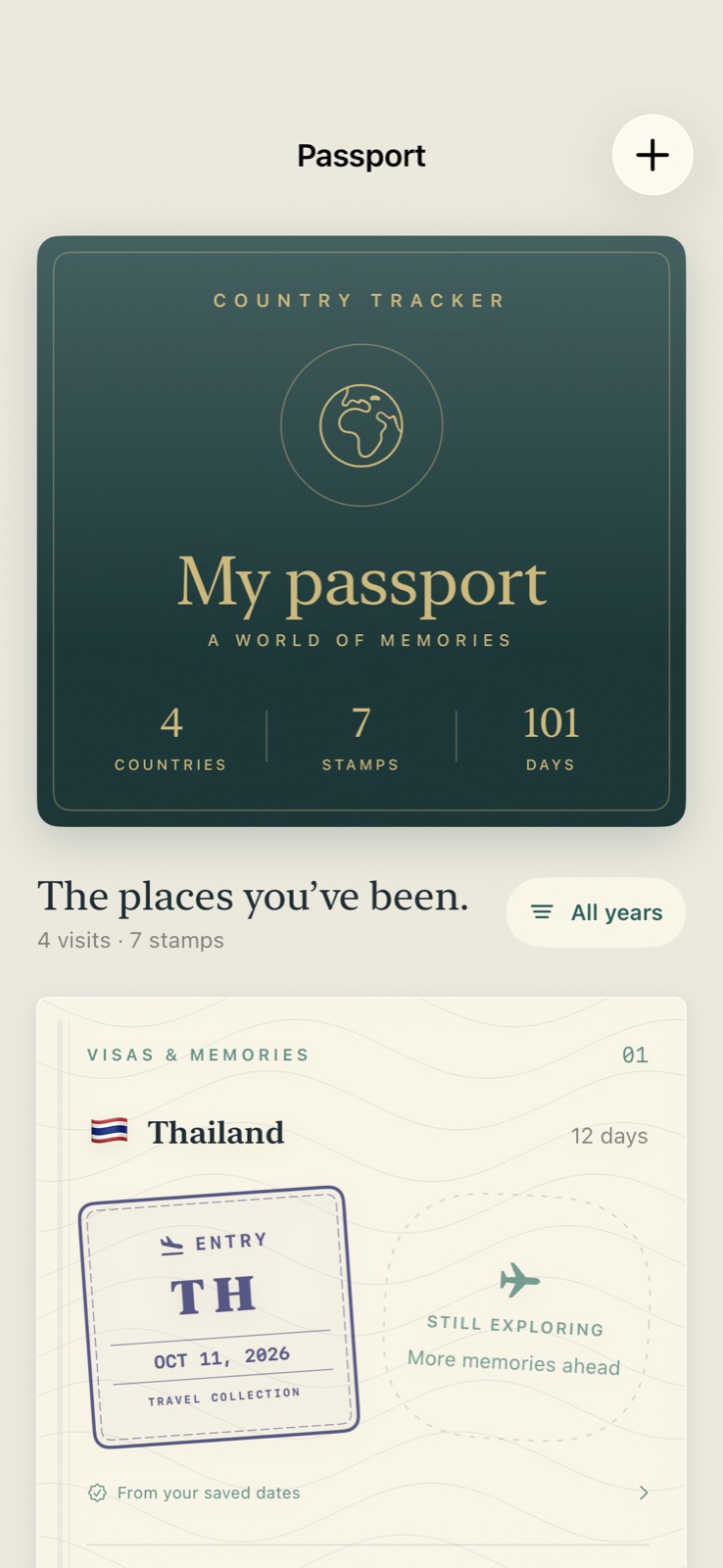
A personal travel log that remembers where you’ve been, turns your journeys into passport stamps, and helps you keep an eye on the days ahead.
Free public beta · iPhone & iPad · iOS 17 or later
01 / YOUR PERSONAL ATLAS
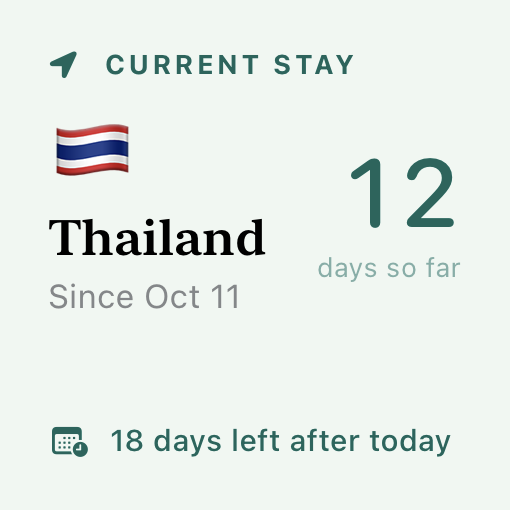
A weekend away. A season somewhere new. See your days come together in a calendar, a timeline, and a world that fills in as you go.
An illustrative journey. Your own record comes from saved stays, photo suggestions, and optional location tracking.
02 / YOUR PASSPORT, REIMAGINED
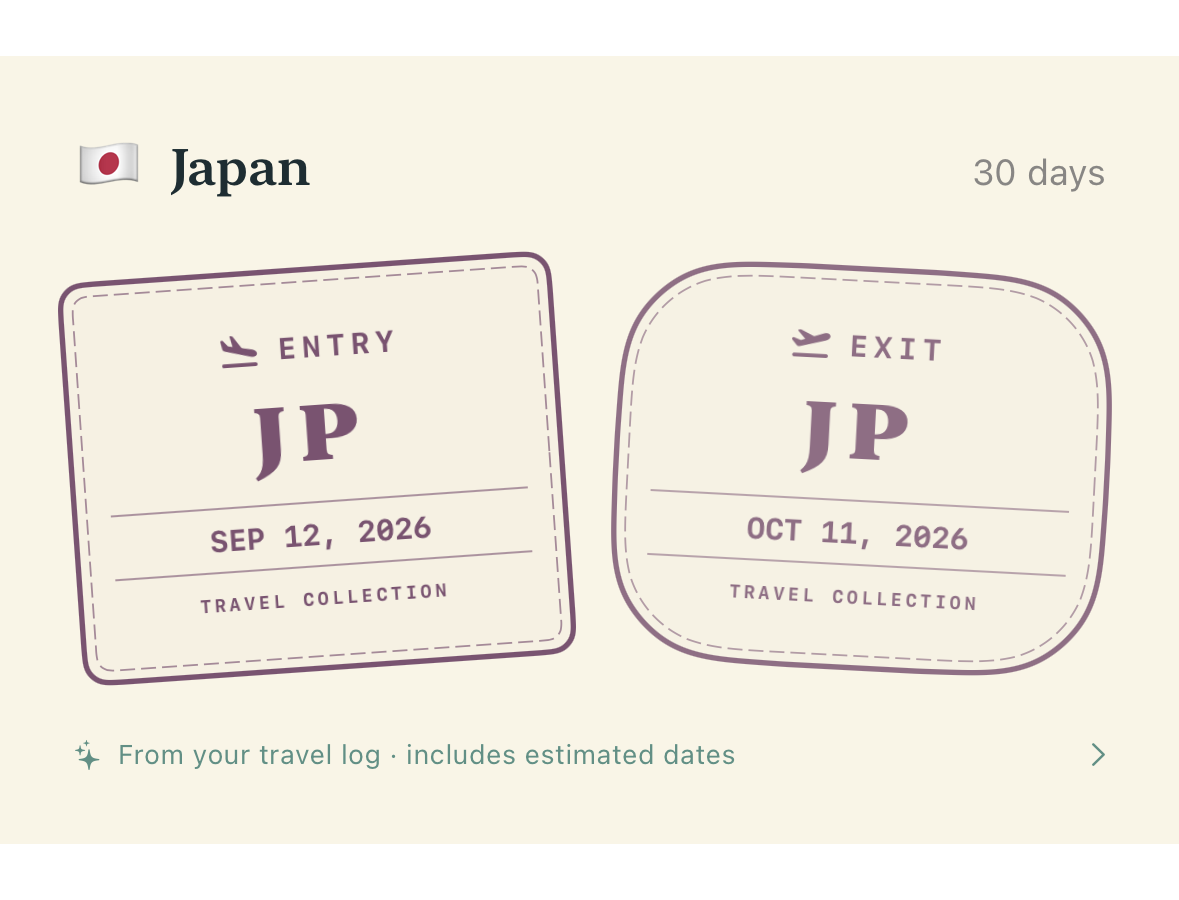
There’s something about a passport full of stories. Now your travel log has one of its own.
Scroll through paper pages, country-colored entry and exit stamps, and the dates that made each visit yours. Revisit a year, tap into a stay, and keep adding chapters.
LESS ADMIN. MORE BEING THERE.
Optional background tracking uses significant location changes to record your country, without running continuous GPS. Open the app to see your latest recorded stay.
Energy-saving location updatesBring past trips back to life with photo dates and location metadata. Review suggestions before saving, and keep estimated gap days clearly labeled.
Photos are never uploaded or changedAdd a stay yourself, edit a date, or leave a little note. Inclusive day counts and CSV export help you make the record your own.
Your dates. Your notes. Your record.03 / A LITTLE HELP WITH THE DAYS AHEAD
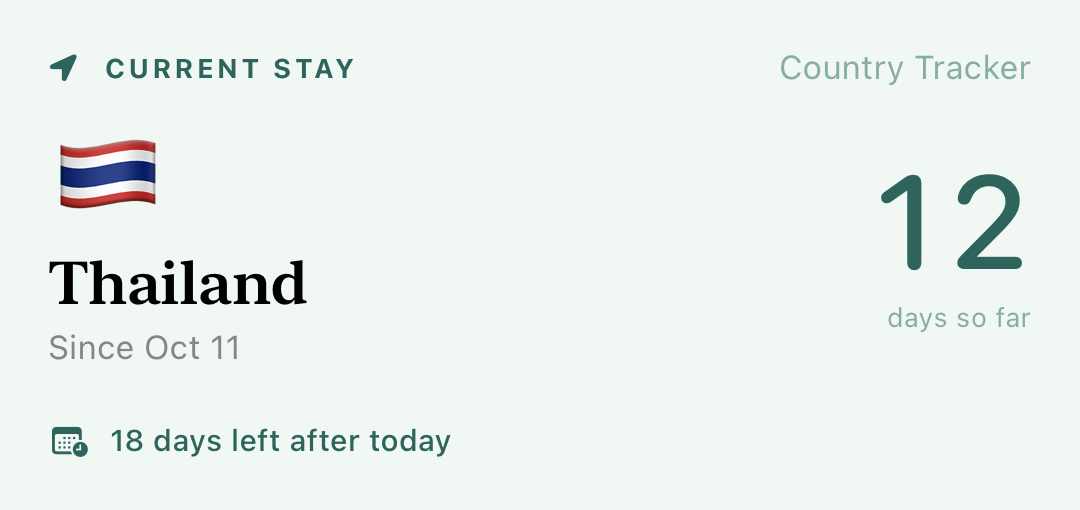
Set a day limit for your stay, choose when to be reminded, and enjoy a little more headspace.
THAILAND · EXAMPLE STAY
Choose a reminder threshold that works for you.
Interactive example. Choose the actual limit on your visa or entry permission. Estimates depend on complete saved dates and your permit conditions.
YOUR JOURNEY BELONGS TO YOU
No app account or app server. Photo and country lookups use Apple’s geocoding service. Export your stays whenever you want a copy.
A FEW THINGS WORTH KNOWING
Country tracking is optional. With Always location access, the app uses iOS significant location changes and an occasional one-time check when you return. iOS controls background delivery; force-quitting, denied permission, or disabled Background App Refresh can interrupt updates. It is a country log, rather than a precise route tracker.
Yes. Add countries and dates manually, or scan geotagged photo metadata for suggestions. Review and edit the suggested stays before adding them. Estimated days between observations are saved with a separate Gap filler source.
Arrival and departure both count. An overlap can belong to two countries, while the overall total counts that day once. Passport stamps come from saved visits; photo and gap-filler segments are grouped into a continuous visit. A stale location record without a known departure leaves its exit open.
No. They are personal day-count reminders based on your travel log. Your nationality, visa validity, extensions, missing trips, and permit conditions can change your allowed stay. The Schengen option supports excluding residence-permit or long-stay dates. Check your permission to stay and use the official European Commission calculator for verification.
Country Tracker is in public beta for iPhone and iPad running iOS 17 or later. Install Apple’s free TestFlight app, then open the Country Tracker invitation on your device and tap Accept and Install. The beta is free and needs no account with Country Tracker. On Android? Join the Android waitlist and you’ll hear when it’s ready.
Beta builds are previews: some things may change, and each build expires after 90 days, so update through TestFlight when a new one arrives. Your stays are saved on your device and kept across beta updates, but deleting the app removes them; export a CSV copy whenever you like. To send feedback, take a screenshot in the app or open TestFlight and tap Send Beta Feedback. Please leave private photos and travel details out of screenshots.
THE BETA IS OPEN · THERE’S A WHOLE WORLD OUT THERE
Country Tracker is in public beta for iPhone & iPad.
Try it early, and help shape a thoughtful little home for a life in motion.
Apple’s free beta app, from the App Store.
Tap the button on your iPhone or iPad, or scan the code.
Then tell us what you think, right from TestFlight.

ANDROID · ON THE WAY
Send a quick email and you’ll be the first to know when Country Tracker comes to Android. Your address is only used for that.
Join the Android waitlistThe button opens your email app. Or write to countrytrackerandroid@a.jvim.de